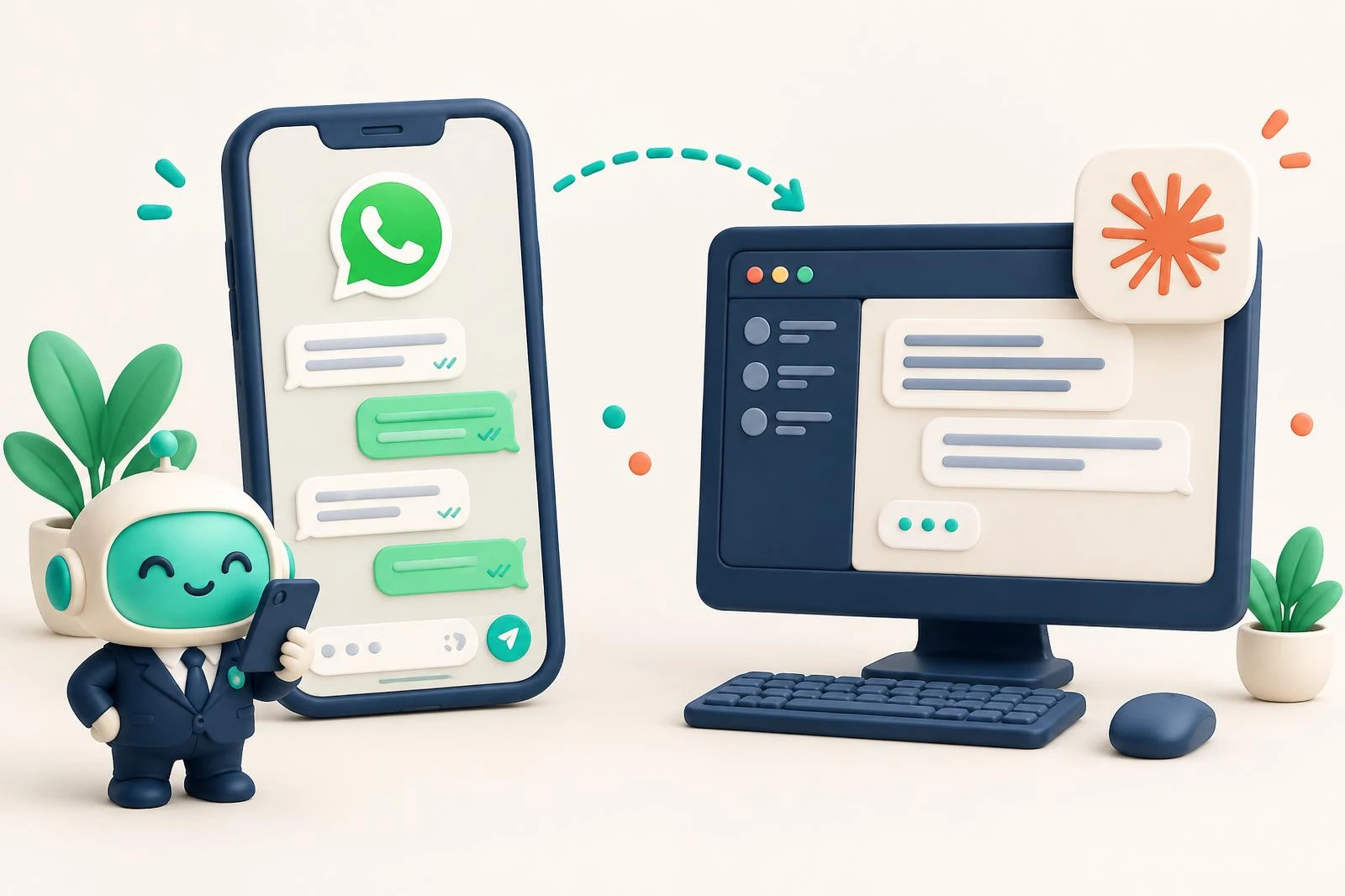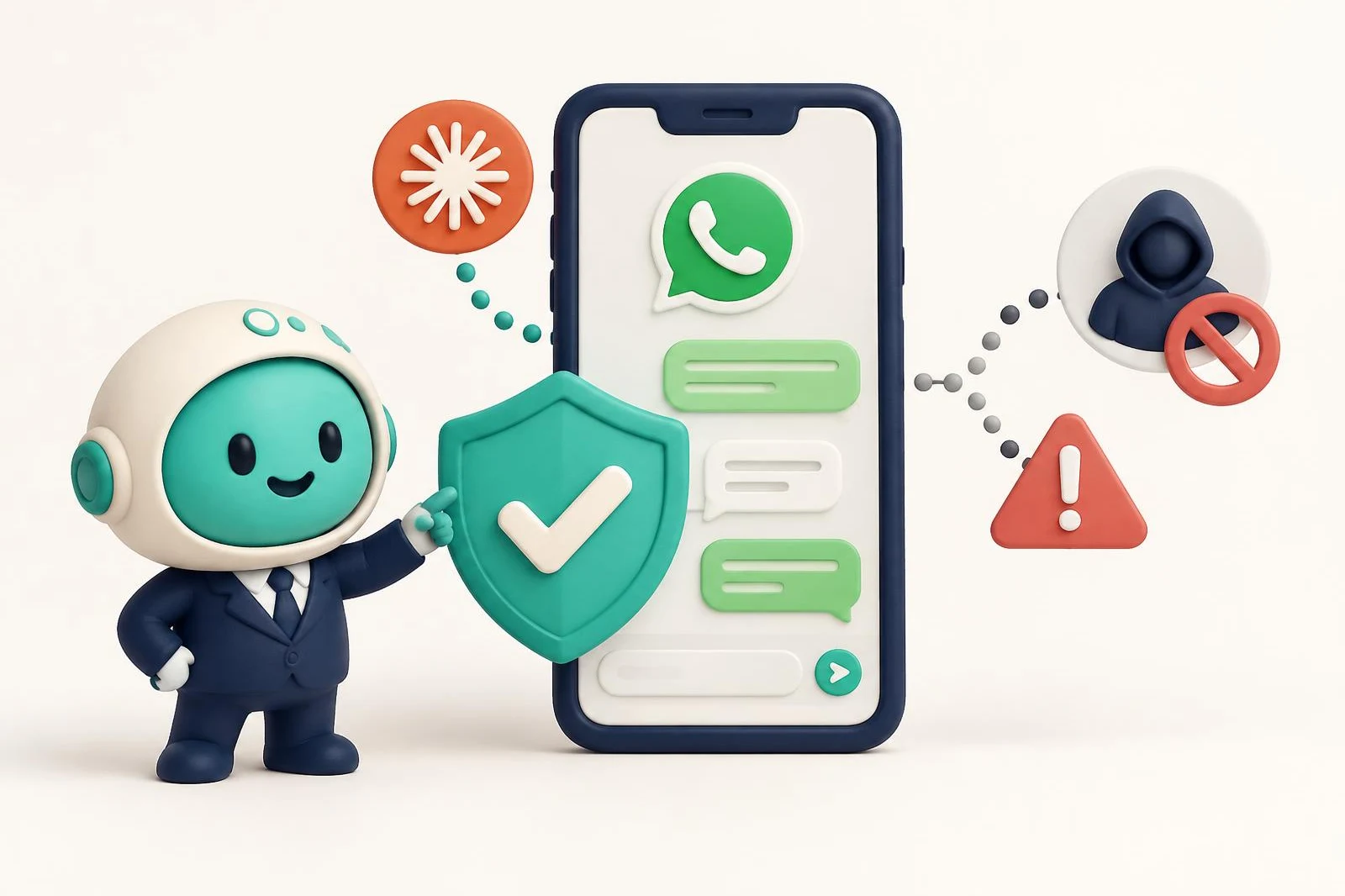
Using AI, by itself, isn't what gets a WhatsApp number restricted. What puts it at risk is how the AI connects (software driving the app or WhatsApp Web, which WhatsApp's terms prohibit) and how it's used (messages people didn't ask for, which they block and report). On Meta's official API, with your customers' permission and within its messaging rules, AI is just another tool.
Nobody can guarantee a number will never run into trouble: the rules are Meta's and Meta enforces them. What you can do is know what they look at and avoid what breaks them. That's what this guide covers.
What WhatsApp's rules say
Three documents matter, and all three are public.
WhatsApp's terms of service. The terms prohibit using the service in impermissible or unauthorized ways, including through automated means. Among the communications they don't allow, they name bulk messaging, auto-messaging and auto-dialing.
The WhatsApp Business Messaging Policy. The policy says you may only contact people who gave you their number and opted in to hear from you, and that you must respect anyone who asks you to stop. It also says Meta may limit or remove a business's access if it gets a lot of negative feedback or messages people at scale in an unauthorized manner.
Meta's terms for the platform. In section 4.7 of the Meta Terms for WhatsApp Business Platform, Meta prohibits AI providers from using the platform to offer general-purpose AI assistants when that's the primary functionality they make available. The same section lets a business retain an AI provider as its Solution Provider, and prohibits using platform data to train AI models other than ones for that business's exclusive use.
Notice that none of these passages is about using AI to sort your chats or to help you reply. They're about connecting the wrong way, messaging people who didn't ask, and offering a general-purpose chatbot over WhatsApp.
Two ways to connect AI to your WhatsApp
Through the official API. It's Meta's product for businesses. Your number connects through an authorized provider that receives and sends messages through the official channel. With coexistence, the number also keeps working in the WhatsApp Business app on your phone, and according to Meta's documentation messages you send from the app stay free.
Through WhatsApp Web or the app, driven by software. This is how many WhatsApp automation tools work: they link to your account as if they were another device and use it for you. That's exactly the automated, unauthorized use the terms describe. We compare the options in WhatsApp MCP: what it is and which one to pick.
What actually gets a number restricted
People's feedback. Meta's policy says it plainly: users can block or report a business, and its systems may limit how many messages a business can send based on that feedback.
The quality rating. On the official API, every number has a quality rating. According to Meta's help center, it's based on the messages your customers received over the past 7 days and on their feedback, such as the reason they blocked you. It goes from Green (high) to Yellow (medium) and Red (low), and you can see it in WhatsApp Manager. The block reasons people can pick include Spam and Didn't sign up.
Messaging people without permission. Without opt-in, every message is a likely block.
Using an unofficial client. A session driven by software falls outside what the terms allow, whether it uses AI or not.
Good practices for using AI without risking your number
- Get permission before you message. Meta's opt-in guide asks you to state clearly that the person is opting in and which business they'll hear from. And make opting out easy.
- Reply within 24 hours. Under the policy, you can reply without a template inside the 24-hour customer service window, which opens and resets with each customer message. Outside that window, only approved templates. For messages that arrive at night or on weekends, see what to do with WhatsApp messages that arrive after hours.
- Use templates to start a conversation, each for the purpose it was approved for.
- If you automate replies, keep a way to reach a person. The policy requires it: a human agent handoff, a phone number, an email or a support form.
- No mass messages to old lists. It's the fastest way to collect blocks.
- Watch your quality rating when you try something new, like a campaign or an automated message.
How Chatty handles it
Chatty connects your number through the official API as a Meta Business Partner, in coexistence: you keep using the WhatsApp Business app on your phone.
In Chatty, the AI works for you, not for your customers. On the Conector plan, Claude only reads: your chats, the follow-up queue, your pipelines. On Conector Plus it can reply and send templates, but nothing goes out unless you ask: the send tools are flagged so the assistant asks for confirmation. Campaigns stay as drafts, and sending them is a second step you confirm.
That doesn't exempt you from Meta's rules: opt-in, the 24-hour window and templates still apply, whether you write the message yourself or with AI. Plans are in the pricing section, the full feature list is on the connector page (in Spanish), and setup is in the Claude guide.
Frequently asked questions
Can I get banned for writing my replies with ChatGPT or Claude?
The rules quoted here are about how a message is sent (through unauthorized means, in bulk or without permission) and how people receive it. They don't say anything about who drafted the text.
Is it safe to connect WhatsApp Web to an AI?
A tool that drives your WhatsApp Web session is doing automated use that WhatsApp's terms don't authorize. For a business number, the route Meta offers is the official API.
Can I put an AI chatbot on my WhatsApp?
Meta's policy allows automated replies inside the 24-hour window, as long as there's a clear path to a person. What the terms prohibit is an AI provider offering a general-purpose assistant over WhatsApp as its primary functionality.
What do I do if my number is already restricted?
Meta's policy links to how to appeal, both for the WhatsApp Business app and for the platform. If you were using an unofficial tool, drop it before you connect the number again.
If you have questions about your case, reach us through support.
Frequently asked questions
Can I get banned for writing my replies with ChatGPT or Claude?
The rules quoted here are about how a message is sent (through unauthorized means, in bulk or without permission) and how people receive it. They don't say anything about who drafted the text.
Is it safe to connect WhatsApp Web to an AI?
A tool that drives your WhatsApp Web session is doing automated use that WhatsApp's terms don't authorize. For a business number, the route Meta offers is the official API.
Can I put an AI chatbot on my WhatsApp?
Meta's policy allows automated replies inside the 24-hour window, as long as there's a clear path to a person. What the terms prohibit is an AI provider offering a general-purpose assistant over WhatsApp as its primary functionality.
What do I do if my number is already restricted?
Meta's policy links to how to appeal, both for the WhatsApp Business app and for the platform. If you were using an unofficial tool, drop it before you connect the number again.