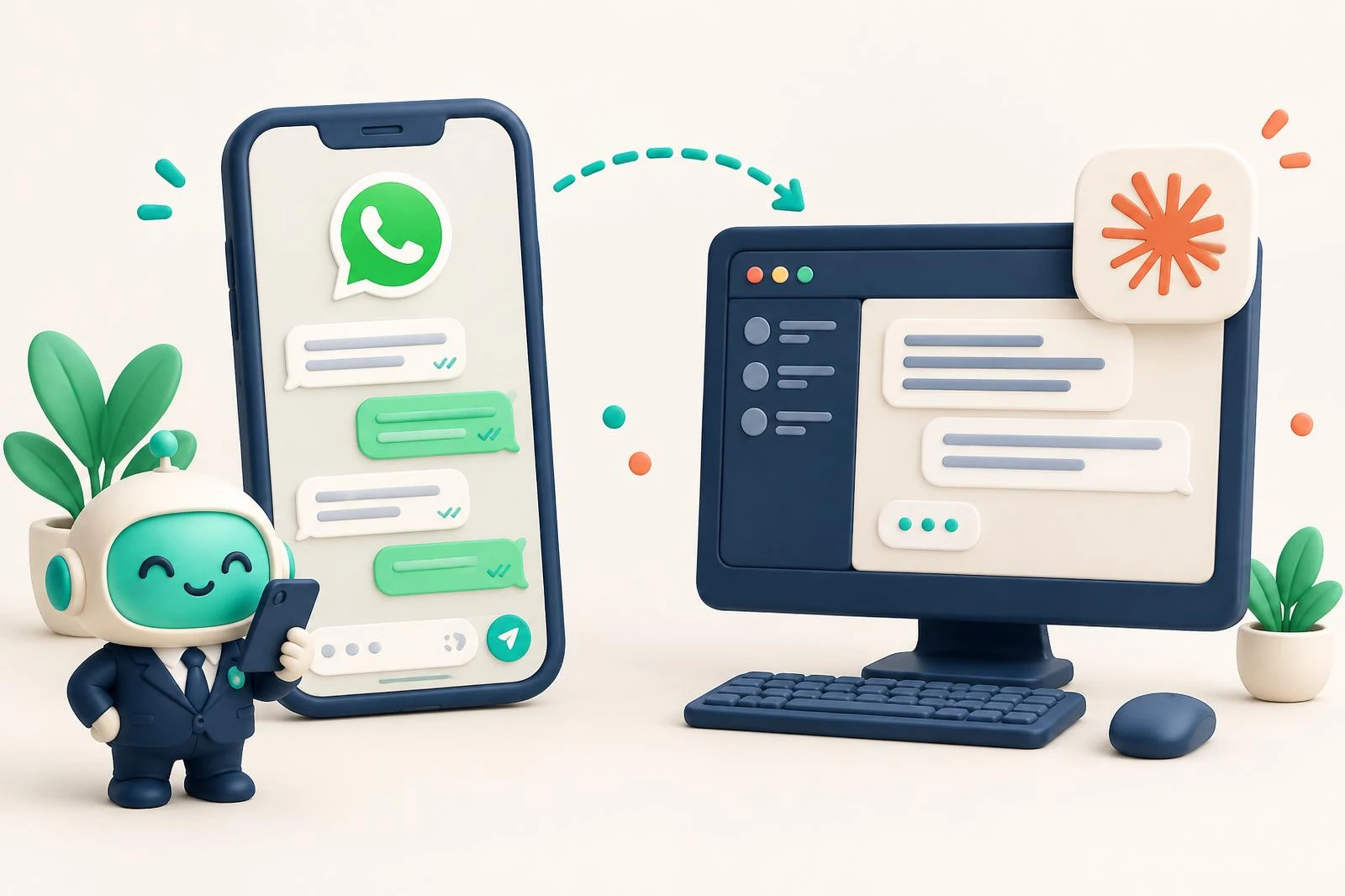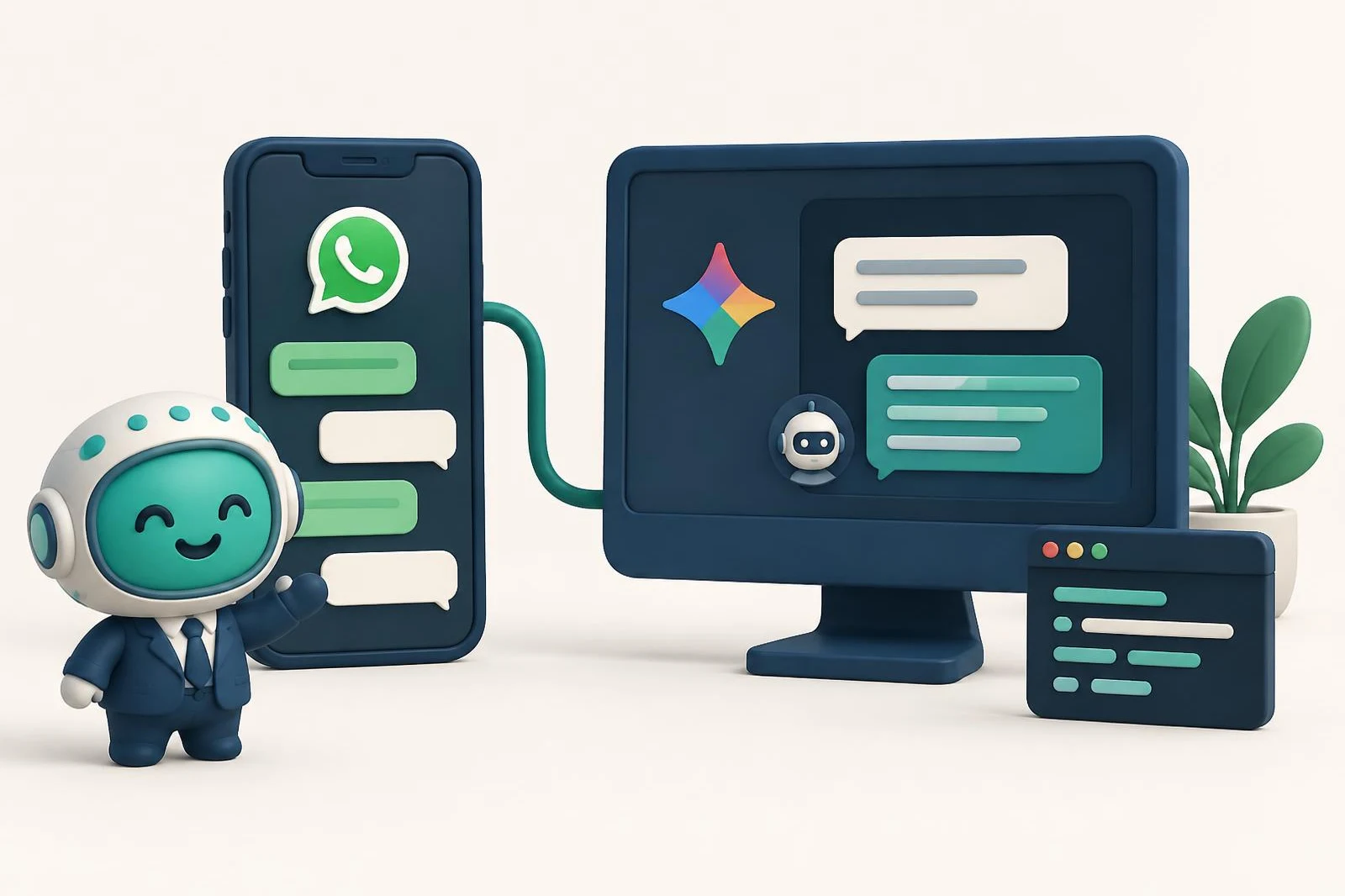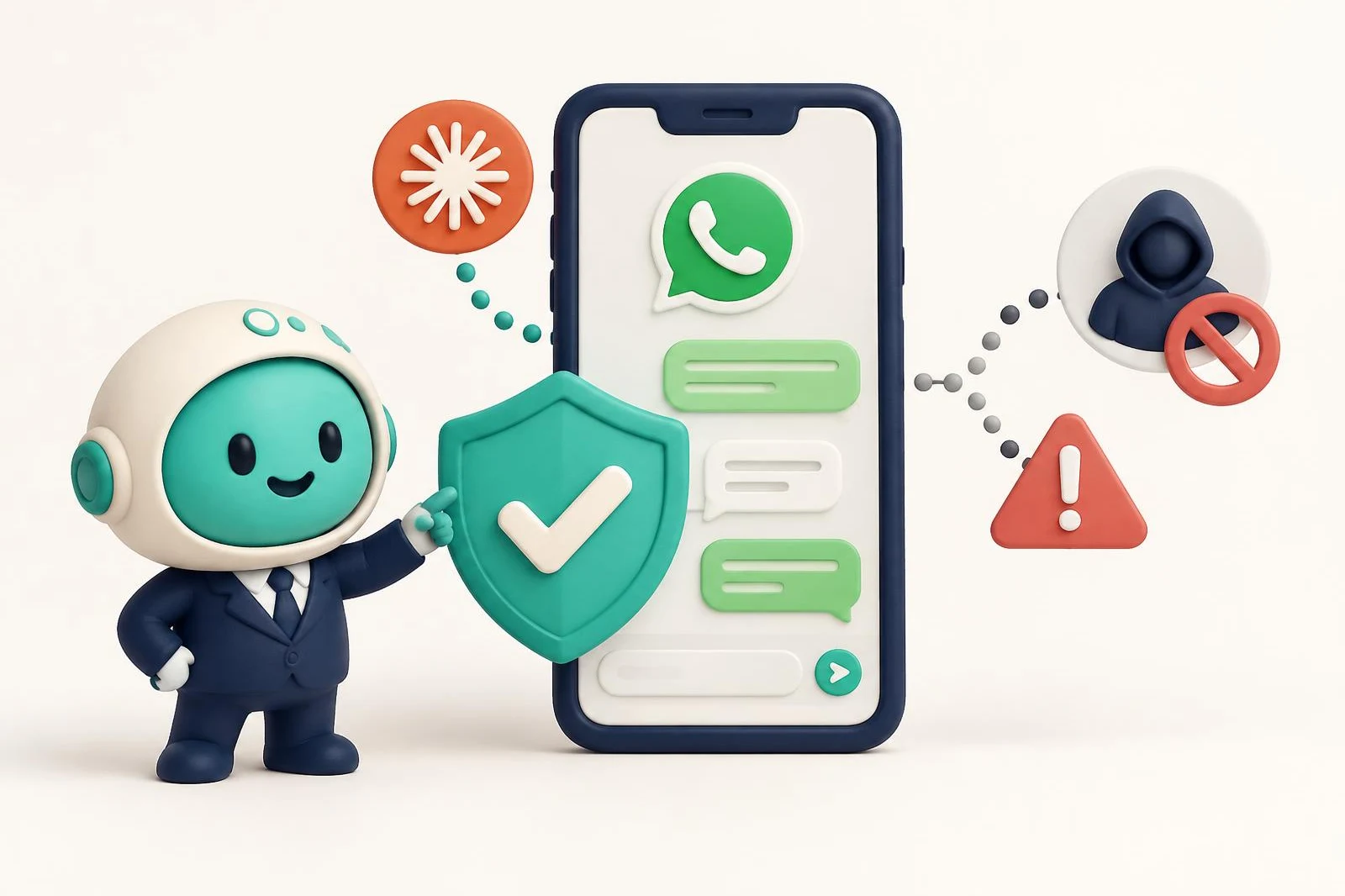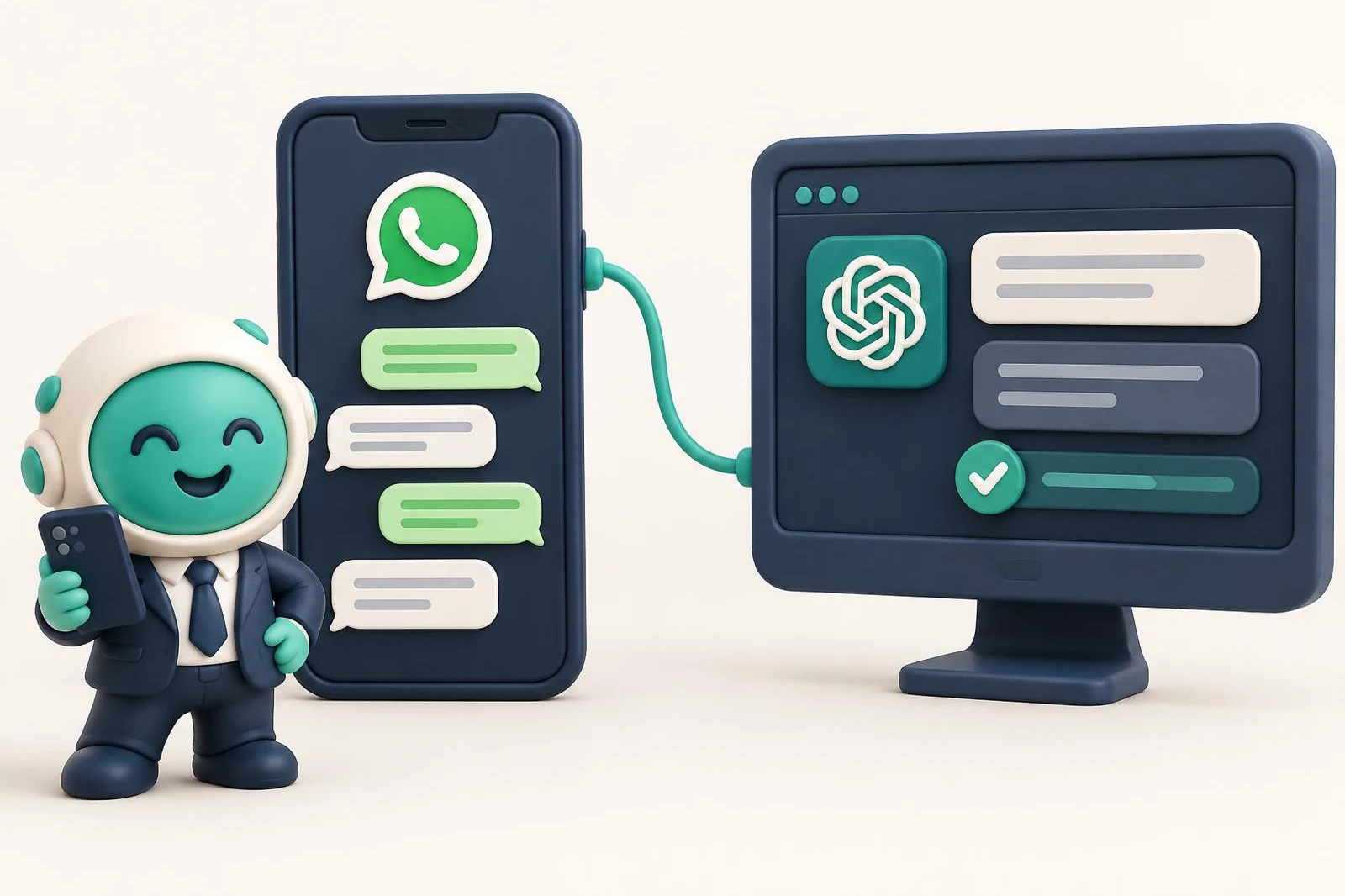
To connect WhatsApp to ChatGPT, you add Chatty's connector as a custom MCP server: on chatgpt.com, from a computer, you turn on developer mode, create an app with the address https://asistente.letschatty.com/mcp, and sign in with Google. You need a Business, Enterprise or Edu plan; on Pro it connects read-only. It isn't available in the mobile app yet.
On the other side of the connector is your number, linked through Meta's official route. Once it's connected, you ask ChatGPT who is waiting for an answer or what a chat was about, and it answers from your real conversations, not from an export someone had to make by hand.
What you're actually connecting
ChatGPT doesn't connect to WhatsApp directly. It connects to an MCP server, the standard way an AI uses tools from another application, and that server is what has access to your number.
Here, that server is Chatty's. Chatty connects your WhatsApp to the official WhatsApp Business API as a Meta Business Partner, and your number keeps working in the WhatsApp Business app on your phone. There are other ways to build that bridge, some on WhatsApp Web; we compare them in WhatsApp MCP: what it is and which one to pick.
Which ChatGPT plan you need
This is what OpenAI's help article on developer mode says, as of October 11, 2026:
- Business, Enterprise and Edu get full custom MCP support, including actions that write, like replying to a chat. OpenAI labels it beta.
- Pro can connect MCP servers with read permissions. You can ask about your chats, but not reply from ChatGPT.
- Plus and Free aren't on that list.
- Web only. Custom MCP apps aren't available on mobile.
Business has one more catch: only admins can use developer mode. If you aren't an admin, an admin creates the app, tests it and publishes it to the workspace, and then everyone uses it from their own settings.
Step 1: Create your Chatty account and link your number
Go to whatsapp.letschatty.com/en and select Start your free trial. You sign in with Google, so there's no new password to create. The trial lasts 15 days and doesn't ask for a credit card.
From your Chatty account, you link your number through Meta's official sign-up form: pick your WhatsApp Business account, enter the number, type the verification code you receive, and share your chat history. If you leave the chat history option checked, your last 6 months of chats come in. Every screen is covered in the Claude guide; that part is the same for ChatGPT.
Step 2: Turn on developer mode
Developer mode is what enables custom connectors in ChatGPT. Where it lives depends on your plan:
- Enterprise or Edu: an admin grants access, then you turn it on under Settings → Apps → Advanced settings.
- Business: each admin turns it on for themselves in the same place, or while creating the app from workspace settings.
- Pro: it has to stay on to use custom apps.
OpenAI is clear that vetting a custom connector is your job: ChatGPT doesn't verify it. Before you add any, check who runs it and what it can do.
Step 3: Add the Chatty connector
- In Settings → Apps, select Create. Business admins can also do this from workspace settings, under Apps.
- Name: Chatty. Server address:
https://asistente.letschatty.com/mcp. Authentication: OAuth. - Select Scan Tools so ChatGPT reads the tools. Chatty's sign-in page opens: sign in with Google and, if you have more than one company, pick one.
- When the scan finishes, select Create.
The app shows up in your settings, under Apps, with a Dev label next to its name while it's in developer mode.
If your account already shows the Plugins page (chatgpt.com/plugins), OpenAI's developer guide describes the same setup from there: the + button, Add custom MCP server, the address, authentication, and Create as a plugin. Then you install it to use it.
Step 4: Use it in a chat
Open a new chat, type @Chatty and pick the connector. A few questions to start with:
- Who is waiting for an answer?
- What follow-ups do I have this week?
- What was Lucía's chat about before I reply?
The app is selected per message, not for the whole conversation. If a new question needs fresh data from your WhatsApp, mention it again with @.
What to expect from ChatGPT with your WhatsApp
- It asks before it writes. ChatGPT asks for confirmation on actions that write, based on the app's permissions. On Chatty's side, the send tools are flagged so the assistant asks for confirmation. On the Conector plan, it only reads anyway.
- Agent mode doesn't use custom apps, and deep research uses them for reading only.
- We test most thoroughly with Claude. The connector is a standard MCP server and you sign in the same way in ChatGPT, with Google. What we don't promise is that the visual cards you see in Claude will show up in ChatGPT.
- The company is fixed per connection. To look at another company, add another app with the same address.
What about Codex?
If you use Codex (the terminal, the editor extension or the ChatGPT desktop app), you add it with one command, since they share the configuration:
codex mcp add asistente --url https://asistente.letschatty.com/mcpIf the browser doesn't open on its own so you can sign in with Google, run codex mcp login asistente. Steps for Cursor, VS Code and Gemini CLI are on the connector page (in Spanish).
Pricing
Chatty has a 15-day free trial, no credit card. After that you choose between Conector, which only reads, and Conector Plus, which also replies with your approval, tags chats and sends templates. Prices are in the pricing section. ChatGPT is paid separately, to OpenAI.
Frequently asked questions
Can I connect WhatsApp to ChatGPT Plus?
According to OpenAI's help center, custom MCP servers are available on Business, Enterprise and Edu, and on Pro with read permissions. Plus isn't on that list.
Will ChatGPT message my customers on its own?
No. ChatGPT asks for confirmation before actions that write, and in Chatty the send tools are flagged so the assistant asks for confirmation. On the Conector plan, it only reads.
Does it work in the ChatGPT mobile app?
Not yet. OpenAI says custom MCP apps work on the web only.
Do I have to stop using WhatsApp Business on my phone?
No. Chatty connects your number in coexistence: it keeps working in the app, and ChatGPT sees what you reply there too.
Torn between ChatGPT and Claude? The Claude walkthrough is in how to connect WhatsApp to Claude. And if something doesn't work, reach us through support.
Frequently asked questions
Can I connect WhatsApp to ChatGPT Plus?
According to OpenAI's help center, custom MCP servers are available on Business, Enterprise and Edu, and on Pro with read permissions. Plus isn't on that list.
Will ChatGPT message my customers on its own?
No. ChatGPT asks for confirmation before actions that write, and in Chatty the send tools are flagged so the assistant asks for confirmation. On the Conector plan, it only reads.
Does it work in the ChatGPT mobile app?
Not yet. OpenAI says custom MCP apps work on the web only.
Do I have to stop using WhatsApp Business on my phone?
No. Chatty connects your number in coexistence: it keeps working in the app, and ChatGPT sees what you reply there too.