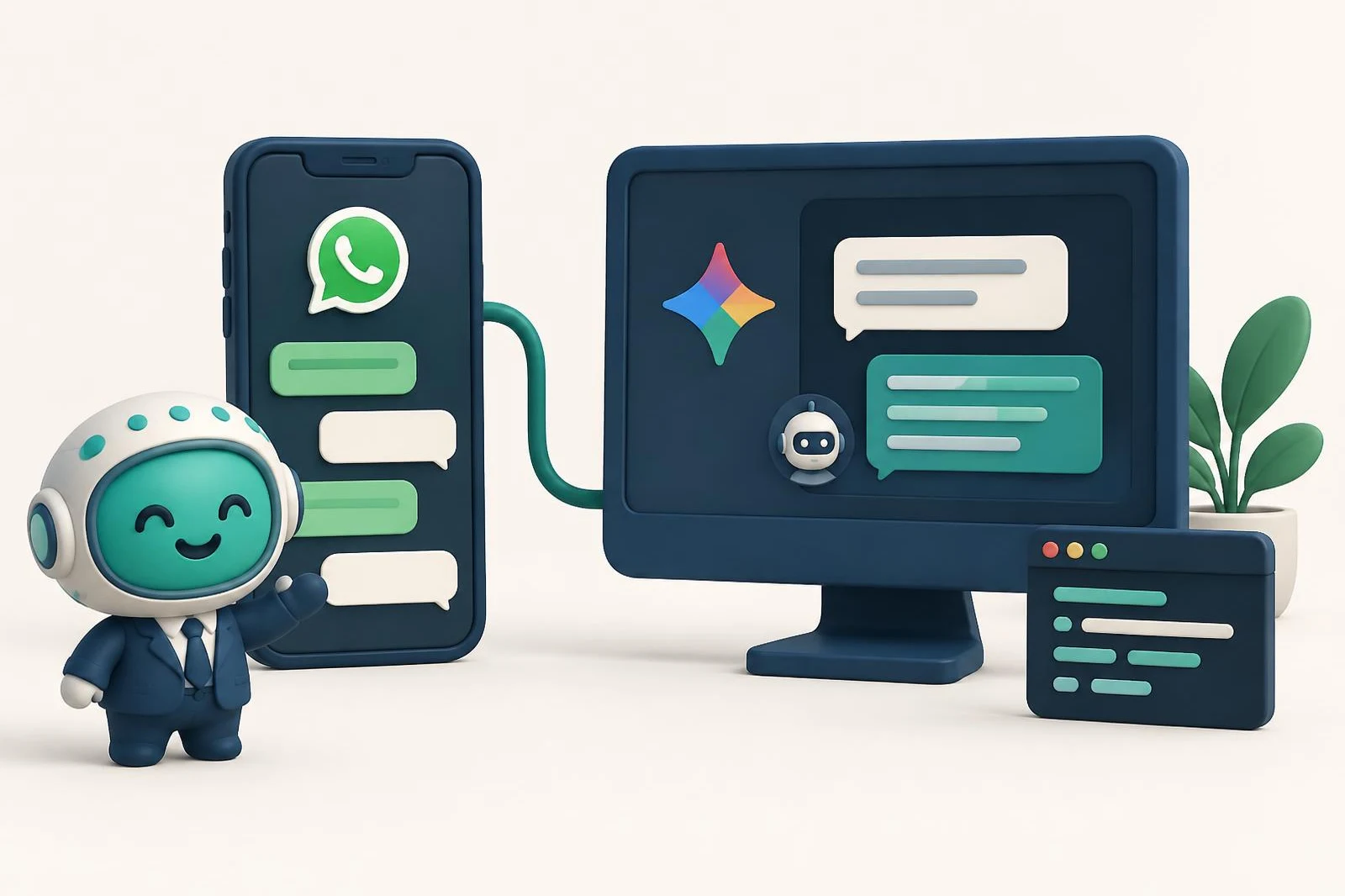
To let Gemini read your business WhatsApp, you add Chatty's connector, an MCP server at https://asistente.letschatty.com/mcp. Today there are two places to do it: the Gemini app, which accepts custom apps by MCP server URL but only for personal accounts, 18 and over, in the US and in English; and Gemini CLI, in the terminal, with a paid Gemini API key or Code Assist. Without a connector, Gemini can send a WhatsApp message on Android, but it can't read your chats.
What Gemini already does with WhatsApp (and what it doesn't)
Gemini has a WhatsApp integration on Android. According to Google's help center, you can ask it to call or message a contact on WhatsApp and to help you write the message. The same page says Gemini can't read or summarize your WhatsApp message history, and can't send photos, audio or video.
That's fine for texting a friend. For a business, what matters is the other part: knowing who wrote to you, who is still waiting and what each chat was about. That takes a connector with access to your number.
What the Chatty connector does
The connector gives Gemini tools for your WhatsApp: reading a chat, listing the conversations that still need a reply and, if your plan allows it, drafting a reply. Gemini uses them when you ask in the conversation.
Chatty connects your number through the official WhatsApp Business API as a Meta Business Partner, and your number keeps working in the WhatsApp Business app on your phone. The other ways to build that bridge, and why they aren't all the same, are in WhatsApp MCP: what it is and which one to pick.
Step 1: Create your Chatty account and link your number
Go to whatsapp.letschatty.com/en and select Start your free trial. You sign in with Google, and the trial lasts 15 days, no credit card.
From your Chatty account, you link your number through Meta's official sign-up form. Leave the chat history option checked: your last 6 months of chats come in and Gemini has something to work with from day one. Every screen of the form is covered in the Claude guide; that part is the same for any AI.
Step 2: Add the connector to Gemini
Pick the route that applies to you. Both use the same address.
In the Gemini app (personal accounts in the US)
Google calls these "custom apps". According to its help page, as of October 11, 2026, you need to:
- Be 18 or over and in the US.
- Sign in to Gemini with a personal Google Account: work and school accounts aren't supported for now.
- Have Keep Activity on.
- Use Gemini in English: for now, it's the only language for this feature.
If that's you, you add the connector on the web, at gemini.google.com, and it then shows up in the mobile app too:
- At the bottom, open Settings → Connected Apps. If you don't see it, look under Personal Intelligence → Connected Apps.
- Under Custom apps, select Add a custom app.
- Paste the address
https://asistente.letschatty.com/mcp. The Chatty connector registers itself, so there's nothing to fill in under "Advanced features". - Select Next and follow the instructions: you sign in with Google on Chatty's page and pick your company.
To make sure Gemini uses the connector for a prompt, type @ and pick the app.
In Gemini CLI (the terminal)
Gemini CLI isn't open to everyone anymore. According to Google's deprecation notice, starting June 18, 2026, individual accounts can no longer use "Login with Google" in Gemini CLI, and the Gemini CLI docs say that for the unpaid tier and Google One users it was replaced by Antigravity CLI. It works if you already use it with a paid Gemini API key or with Code Assist Standard or Enterprise.
If that's your case, add this to ~/.gemini/settings.json (note: it's httpUrl, not url):
{
  "mcpServers": {
    "asistente": {
      "httpUrl": "https://asistente.letschatty.com/mcp"
    }
  }
}
Then, inside Gemini CLI, run /mcp auth asistente to sign in with Google. The Gemini CLI MCP docs cover both: httpUrl is the address for HTTP servers, and /mcp auth runs the OAuth sign-in.
Step 3: Ask about your chats
Once it's connected, write to it the way you'd talk to someone who knows your business:
- Who is waiting for an answer?
- Who did I send a price to and never heard back from?
- What was Lucía's chat about?
What to keep in mind
- Nothing goes out without your yes. Google says Gemini requires manual confirmation for any write action. On Chatty's side, the send tools are flagged so the assistant asks for confirmation.
- We test most thoroughly with Claude. The connector is a standard MCP server and you sign in the same way in Gemini, with Google, but day-to-day use is what we test with Claude.
- The company is fixed per connection. If you have more than one, add a connection for each.
- If you're outside the US, the Gemini app isn't an option for now. You still have Gemini CLI, ChatGPT or Claude.
Pricing
Chatty has a 15-day free trial, no credit card. After that you choose between Conector, which only reads, and Conector Plus, which also replies with your approval and sends templates. Prices are in the pricing section, and the full feature list is on the connector page (in Spanish). Whatever you pay Google, if anything, is separate.
Frequently asked questions
Can Gemini read my WhatsApp chats without a connector?
No. Google's help center says the WhatsApp integration on Android can make calls and send messages, but can't read or summarize your message history.
Can I use the Gemini app outside the US?
Custom apps in Gemini are currently for personal accounts in the US, 18 and over, in English. From other countries, your options are Gemini CLI, ChatGPT or Claude.
Will Gemini send messages without asking me?
No. Google says Gemini requires manual confirmation for write actions, and in Chatty the send tools are flagged so the assistant asks for confirmation.
Why does Gemini CLI say my account no longer has access?
Starting June 18, 2026, Google stopped serving individual accounts that signed in to Gemini CLI with Google. You need a paid Gemini API key or Code Assist Standard or Enterprise.
Prefer Claude? The walkthrough is in how to connect WhatsApp to Claude. And if something doesn't work, reach us through support.
Frequently asked questions
Can Gemini read my WhatsApp chats without a connector?
No. Google's help center says the WhatsApp integration on Android can make calls and send messages, but can't read or summarize your message history.
Can I use the Gemini app outside the US?
Custom apps in Gemini are currently for personal accounts in the US, 18 and over, in English. From other countries, your options are Gemini CLI, ChatGPT or Claude.
Will Gemini send messages without asking me?
No. Google says Gemini requires manual confirmation for write actions, and in Chatty the send tools are flagged so the assistant asks for confirmation.
Why does Gemini CLI say my account no longer has access?
Starting June 18, 2026, Google stopped serving individual accounts that signed in to Gemini CLI with Google. You need a paid Gemini API key or Code Assist Standard or Enterprise.