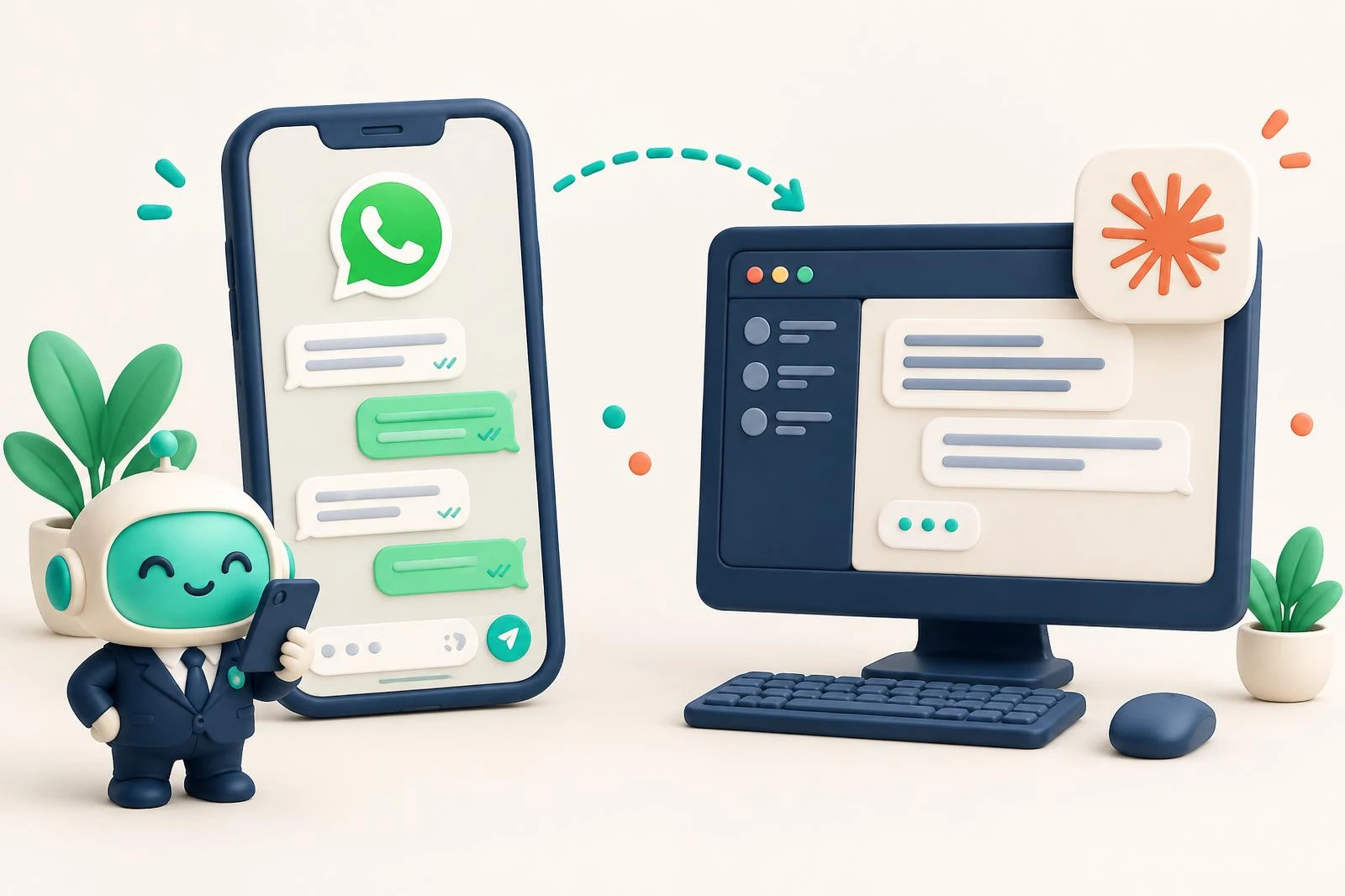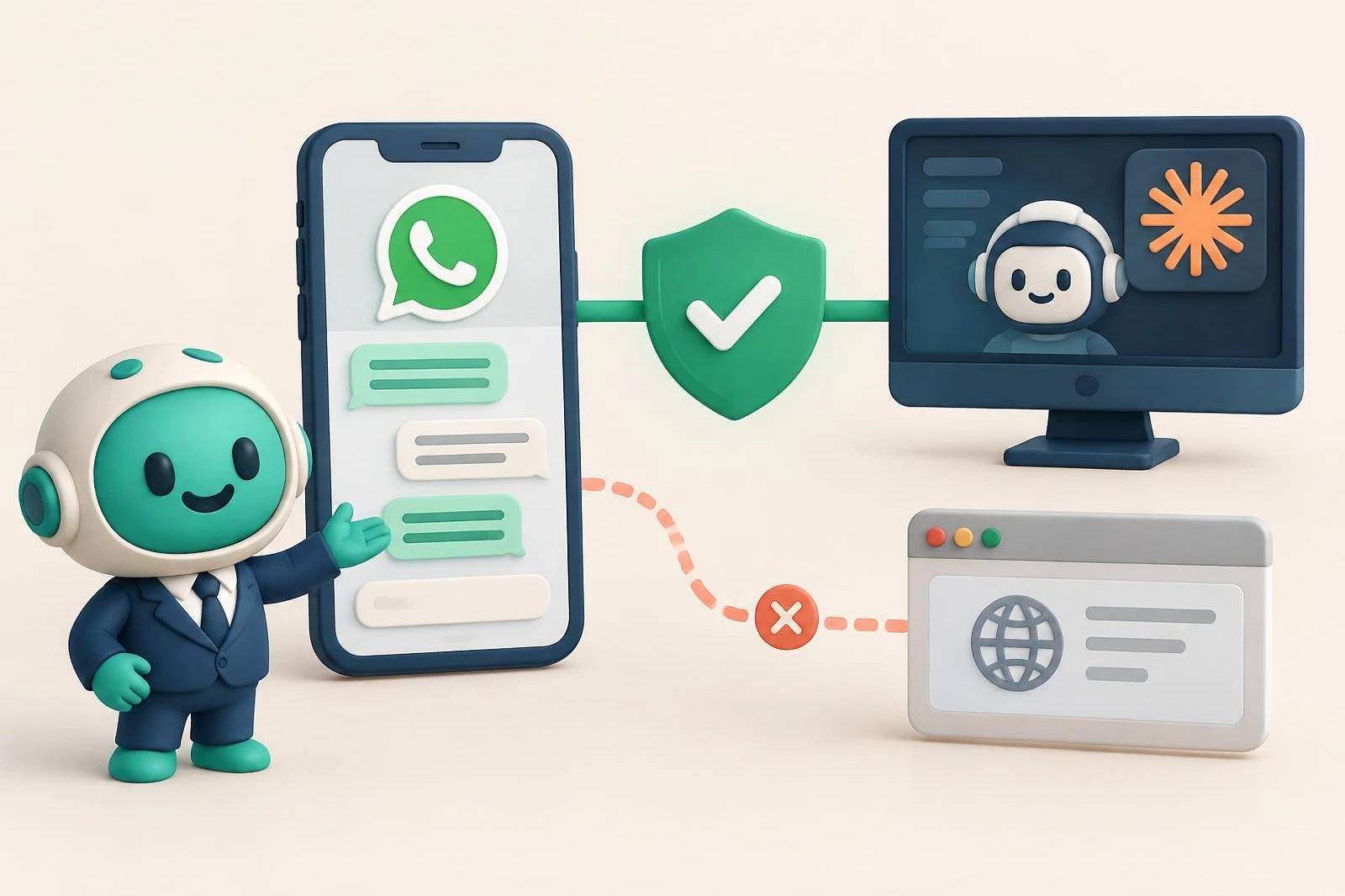
There are three ways to connect WhatsApp to Claude: run an open-source MCP server on your own computer, use a hosted tool built on a WhatsApp Web session, or use a hosted MCP connector built on Meta's official WhatsApp Business API. For a business number, the official API is the stable option, and with coexistence you keep using the WhatsApp Business app on your phone.
Most search results for "WhatsApp MCP" promise the same thing: Claude reads your chats and helps you reply. The real difference is how they reach your number, and that decides whether the connection is stable, who holds your data, and whether you can keep using the app. Here is how the options compare, what to check before choosing, and where Chatty fits.
The three options you'll find
MCP (Model Context Protocol) is the standard Claude uses to connect to other applications. Every option ends up as an MCP connector; what changes is what sits behind it.
1. A self-hosted server on WhatsApp Web
These are open-source projects you run on your computer. They link to your WhatsApp by scanning a QR code, the way WhatsApp Web does, and give Claude access to that session.
The best known is whatsapp-mcp. According to its own documentation, it connects to your personal account through the WhatsApp Web multi-device API, stores your messages in a local database, and warns that after about 20 days you may need to authenticate again.
It's a good fit for personal use or for experimenting, if you're comfortable installing and maintaining software. It isn't built for a business number: it depends on your computer being on, on the session staying alive, and on someone in the team being able to deal with code.
2. A hosted tool on WhatsApp Web
Some services do the same thing for you, in the cloud or through a browser extension, so there's nothing to install. For example, Blueticks' guide to connecting WhatsApp to Claude explains that it links your number through its browser extension (or the cloud, on its Pro plan) and states that it does not use Meta's Cloud API.
It's easier than running your own server, but the connection is still a WhatsApp Web session. WhatsApp's terms of service prohibit using the service in impermissible or unauthorized manners, and a session driven by software can be cut off whenever WhatsApp changes something.
3. A hosted connector on the official API
Here your number is connected to the WhatsApp Business API, Meta's product for businesses, through an authorized provider. The provider receives messages through the official channel and exposes an MCP connector for Claude. There's no WhatsApp Web session to keep alive and no phone that has to stay on.
Several WhatsApp Business providers work this way. A few examples, as their own pages describe them:
- Wassenger connects to a WhatsApp Business API number, and its MCP server authenticates with an API key per workspace.
- Wati has a Claude connector for creating, testing and managing AI agents for WhatsApp. It requires an active Astra workspace and a paid Claude plan.
- LetsBot offers a connector that sends through your own WhatsApp Business API account; it's an add-on at US$ 69.99 per month (VAT included) on top of a LetsBot plan.
- Composio has a WhatsApp MCP server on the WhatsApp Business API, with tools such as sending messages and creating templates.
Chatty is in this group too. We checked these pages on October 11, 2026; prices and terms change, so confirm them on each site.
Why the official API matters
For a business number, the official route has three concrete advantages.
It's stable. It doesn't depend on a linked session that drops, or on WhatsApp never changing anything. It's the channel Meta maintains for businesses.
You don't have to choose between the app and AI. The official API supports coexistence: the same number is connected to the API and still works in the WhatsApp Business app on your phone. You keep replying from the phone, and Claude sees those replies too. Before choosing a provider, ask whether it connects your number this way or asks you to move it fully to the API.
The connection goes through Meta. With the official API, the number belongs to your company's WhatsApp Business account, not to someone else's session. With Chatty, you link it through Meta's official sign-up form, and Chatty never sees your Facebook password.
What to check before you choose
Whatever the group, these questions separate the options quickly:
- How does my number connect? Official API or WhatsApp Web. If the page doesn't say, ask.
- Do I keep the WhatsApp Business app? For a business that answers from the phone, this comes first.
- Does my chat history come in? If the connector starts empty, Claude has nothing to work with until new messages arrive.
- How does Claude sign in? A login (OAuth) is easier to revoke than an API key pasted into a config file.
- What can it do without my approval? Reading, replying and sending campaigns are very different things. Check whether every message needs your yes.
Where Chatty fits
Chatty is an MCP connector on the official WhatsApp API, and Chatty is a Meta Business Partner. What sets it apart for a business owner:
- Coexistence. Your number is connected and you keep using the WhatsApp Business app on your phone.
- Your last 6 months of chats come in when you connect, if you leave the chat history option checked in Meta's form.
- No keys to copy. On claude.ai you paste the connector address and sign in with your Chatty account, which is your Google account.
- Nothing goes out without your yes. On the Conector plan, Claude only reads. On Plus it drafts the message and sends it when you tell it to.
You get a 15-day free trial, no credit card. After that, Conector is US$ 50 per month, Conector Plus is US$ 80 per month, and the annual plan is US$ 299, paid once. The step-by-step setup is in how to connect WhatsApp to Claude, and the full list of what Claude can do is on the connector page (in Spanish).
Frequently asked questions
Is it allowed to connect WhatsApp Web to Claude?
WhatsApp's terms prohibit using the service in unauthorized ways, and a tool that drives your WhatsApp Web session runs that risk. The official API is the route Meta offers to businesses.
Can I keep using WhatsApp Business on my phone?
With Chatty, yes: your number stays in coexistence, connected to the API and the app at the same time. With other official providers, ask first whether they connect your number that way.
What is an MCP connector?
It's the standard way Claude connects to another application. The connector gives Claude tools, like reading your chats or drafting a reply, and Claude uses them when you ask in the conversation.
Which option fits if I'm not technical?
A hosted connector on the official API. There's nothing to install, no session to maintain, and you link your number with Meta's form.
Ready to set it up? Follow how to connect WhatsApp to Claude.
Frequently asked questions
Is it allowed to connect WhatsApp Web to Claude?
WhatsApp's terms prohibit using the service in unauthorized ways, and a tool that drives your WhatsApp Web session runs that risk. The official API is the route Meta offers to businesses.
Can I keep using WhatsApp Business on my phone?
With Chatty, yes: your number stays in coexistence, connected to the API and the app at the same time. With other official providers, ask first whether they connect your number that way.
What is an MCP connector?
It's the standard way Claude connects to another application. The connector gives Claude tools, like reading your chats or drafting a reply, and Claude uses them when you ask in the conversation.
Which option fits if I'm not technical?
A hosted connector on the official API. There's nothing to install, no session to maintain, and you link your number with Meta's form.